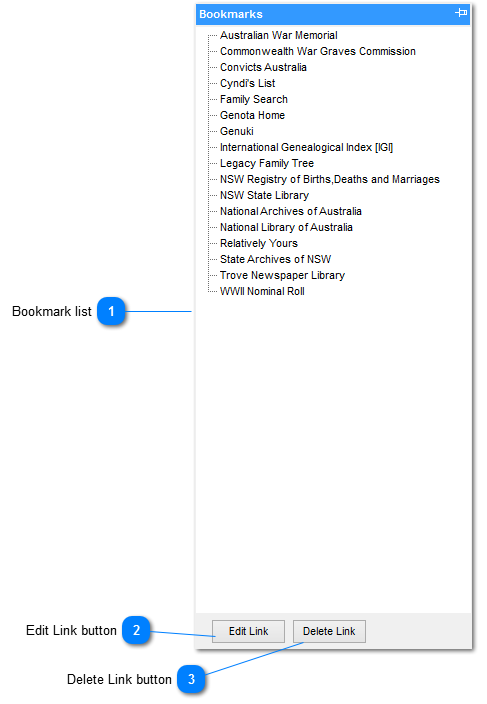
Bookmark list
This is the list of BOOKMARKS on file. The list displayed represents the default set
Bookmarks are added to the list by selecting the BOOKMARK button found on the WEB BROWSER Toolbar when on a web page
|
|
 Edit Link button
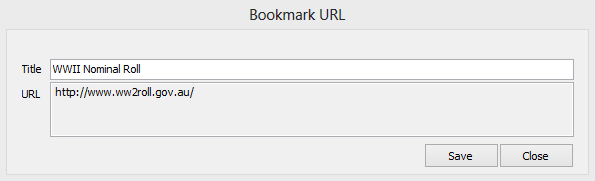
Click select to open the BOOKMARK EDIT dialog which allows the user to change either the name of the site or the URL
|
|
 Delete Link button
Click select to delete a bookmark from the list. Select the bookmark to be deleted by highlighted it in the list
|
|